
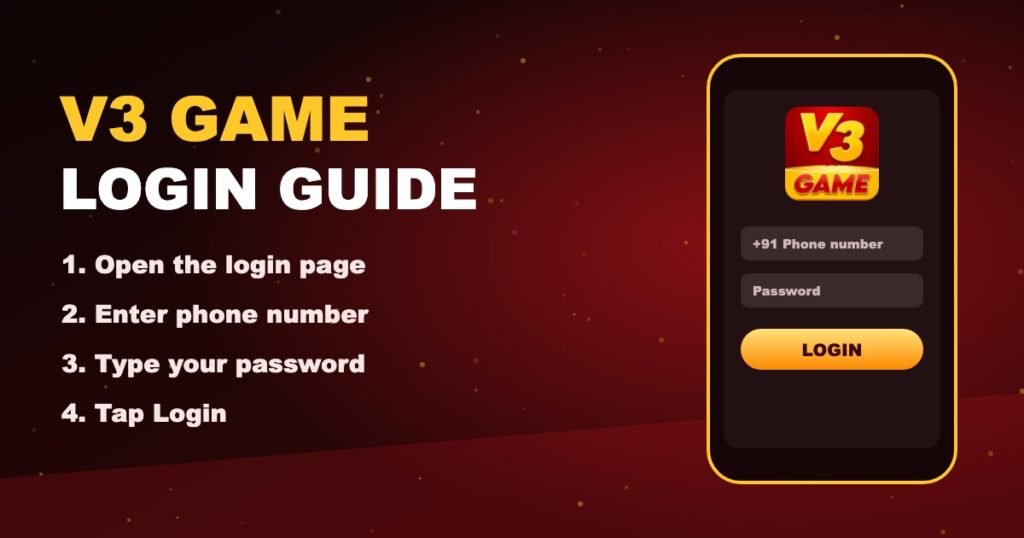
V3 Game Login in 4 taps
Sign in to your V3Game account in seconds, recover a forgotten password and fix the login errors players run into most often.
Step by step
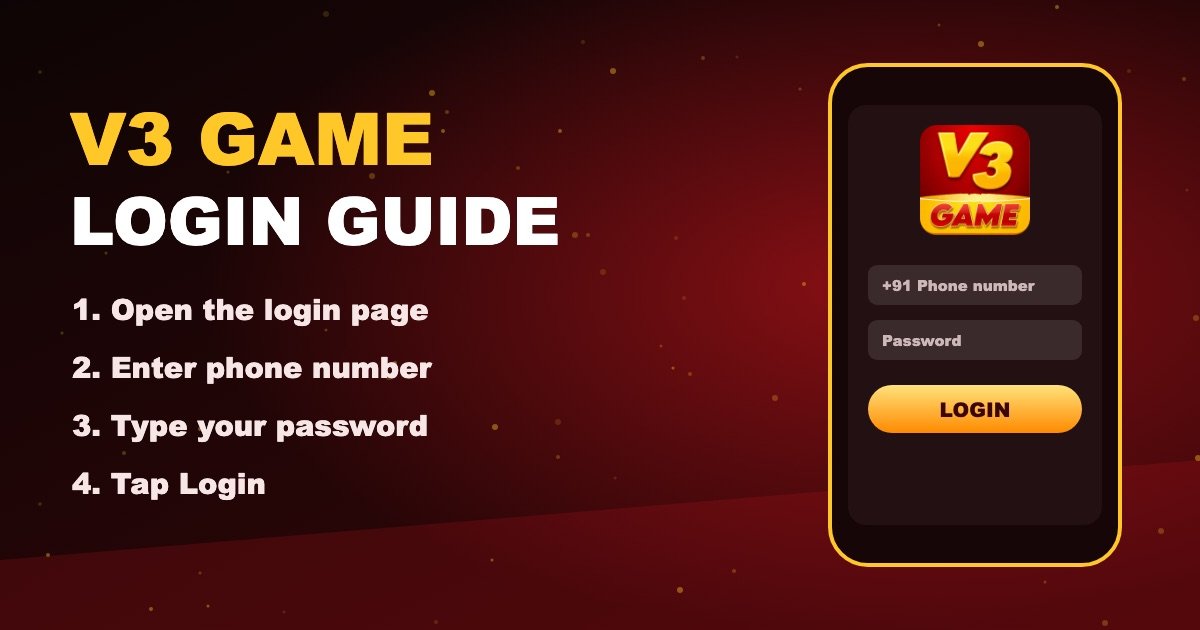
How to do V3 Game login
Your V3 Game login uses the phone number and password you set when you created your V3Game ID. It is the same on Android, iPhone and desktop.
- Tap V3 Game Login — it opens in a new tab.
- Select phone number login and type your 10-digit number (no 0 or +91 in front).
- Enter your password exactly — it is case-sensitive.
- Tap Login. Your balance and the game lobby load straight away.
Recovery
Forgot your V3 Game password?
- On the login screen tap Forgot password.
- Enter the phone number linked to your V3Game account.
- Type the verification code from SMS (use the newest code if you requested several).
- Set a new password — mix letters and numbers — and log in again.
Troubleshooting
V3 Game login problems and quick fixes
| Account not found | Check the number has no extra 0 or +91. If you never registered, create an account with the V3 Game register guide. |
|---|---|
| Incorrect password | Turn off Caps Lock, check the keyboard language, then use Forgot Password instead of guessing. |
| Verification code not received | Wait one minute, confirm signal and SMS storage, then request a single new code. |
| Captcha keeps failing | Refresh the captcha image and type it carefully; it is usually case-insensitive digits. |
| Page will not load | Switch Wi-Fi / mobile data, clear the browser cache or open in Chrome or Safari. |
Security
Keep your V3Game account safe
Strong, unique password
Never reuse your UPI, email or social media password.
OTP stays with you
Genuine support never asks for codes or passwords.
Trusted links only
Look-alike login pages are the most common way accounts are stolen.
Log out on shared phones
Especially after playing on a friend’s or family member’s device.
Log in to V3 Game
New player? Create your V3Game ID first — it takes about two minutes.
Register NowV3 Game LoginFAQ
Questions players ask
How do I log in to V3 Game?
Open the V3 Game Login page, choose phone login, type your 10-digit number and password, then tap Login.
What if I forgot my V3 Game password?
Tap Forgot Password on the login screen, verify your phone number with the SMS code and set a new password.
Why does V3 Game login keep failing?
Most failures are a wrong number format, Caps Lock in the password or an old saved password. Re-type both carefully or reset the password.
Can I use V3 Game login on multiple devices?
Yes, but signing in on a new device may log you out elsewhere. Always log out of shared phones.
Does this site store my login?
No. You type your details only on the V3 Game platform page, never on v3gameplay.com.
